
Shared staff PCs
One PC. Many people. No mess.
Rulebox turns a shared Windows PC into a locked workstation where each person signs in and sees only what they need.

The moment
Monday, 9 am. The accounts PC shows a browser full of someone’s personal tabs. The accounting app has an update prompt that needs an admin password nobody has. The desktop holds forty files and no one knows whose they are.
The problem
A shared PC collects everything. Saved passwords, personal downloads, half-installed toolbars, the last person’s email. No one is responsible for it, so it gets slower and less safe every month.

How Rulebox solves it
Each point links to the feature that does it.
Each person signs in with their own details, on any Rulebox PC their group allows.
Employee sign-inThey see only the apps assigned to them or their group.
Apps and web appsEach person gets their own folder and their own web logins. Logging out closes their apps and clears their session.
FilesStaff have no admin rights. Apps and updates are installed by Rulebox, silently.
Lockdown
The outcome
The PC is the same on Friday as it was on Monday. Handover between people takes one log-out.
Measured results will be published here after early access, with the customer's permission.
Pick your place
Five places where one PC serves many people.
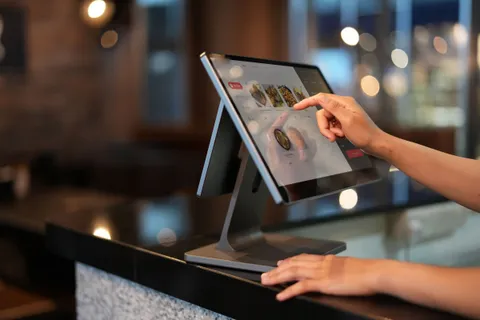
Retail and POS
The till PC should only be a till.Read the story
Schools and computer labs
A lab that is ready when the bell rings.Read the story
Clinics and pharmacies
The front-desk PC sees everything. Keep it to one job.Read the story
Call centres
Every seat ready for the next shift.Read the story
Hotels and front desks
A front desk that looks the same on every shift.Read the story


Questions
Something else? Email support@rulebox.org, or use the contact page.
Can two people use the same PC with different apps?
Yes. Apps are assigned per group and per person.
Do staff need a Microsoft account?
No. They sign in to Rulebox with the details you give them in the dashboard.
Can someone sign in when the internet is down?
Yes, if they have signed in on that PC before. You set how long offline sign-in stays valid.
Do files follow a person from PC to PC?
Not in v1. Files stay on the laptop where they were saved.